Xpeccy+
A downloadable tool for Windows, macOS, and Linux
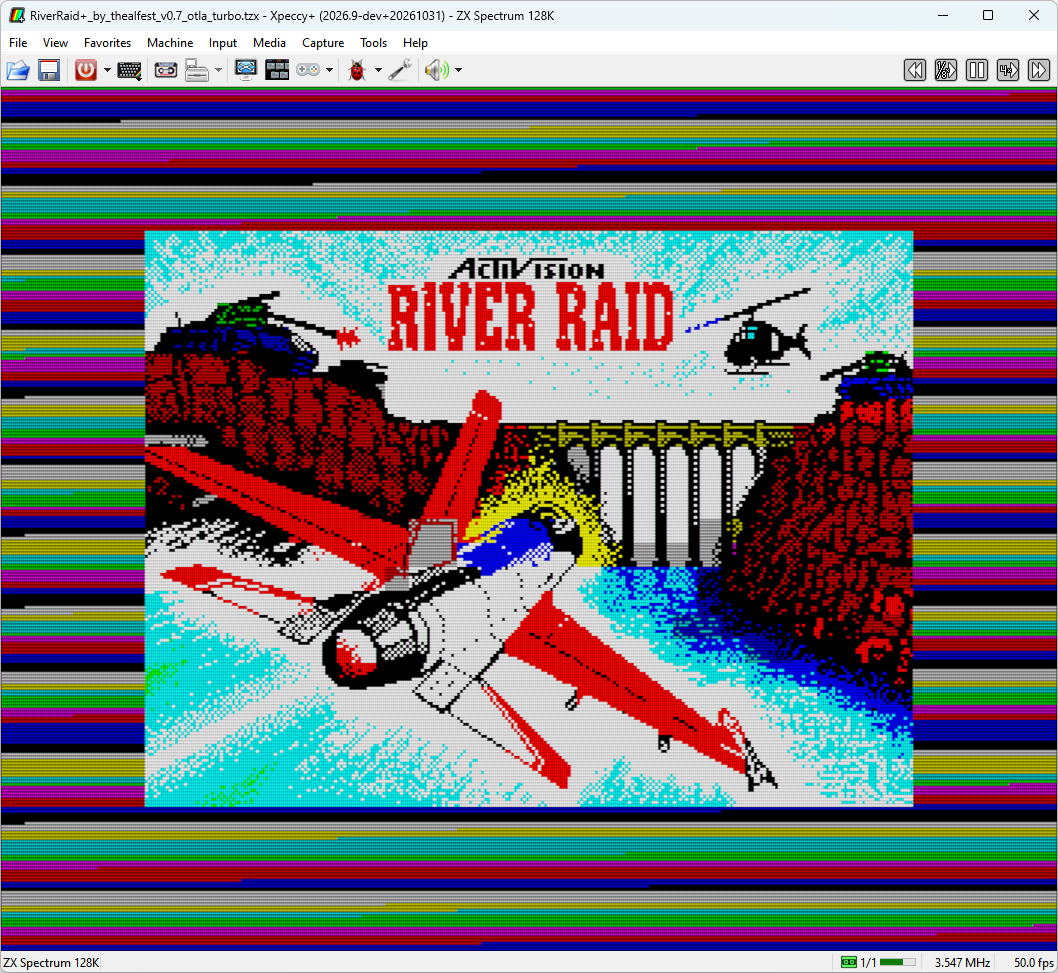
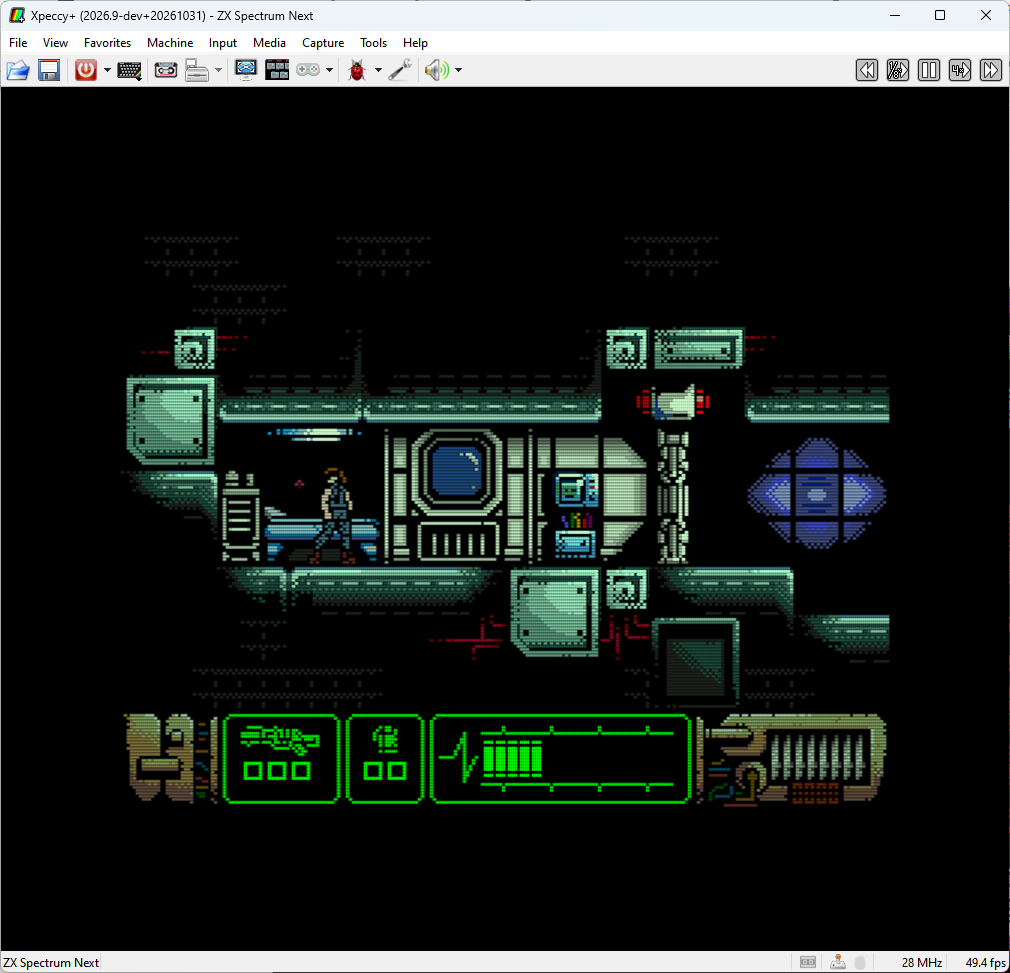
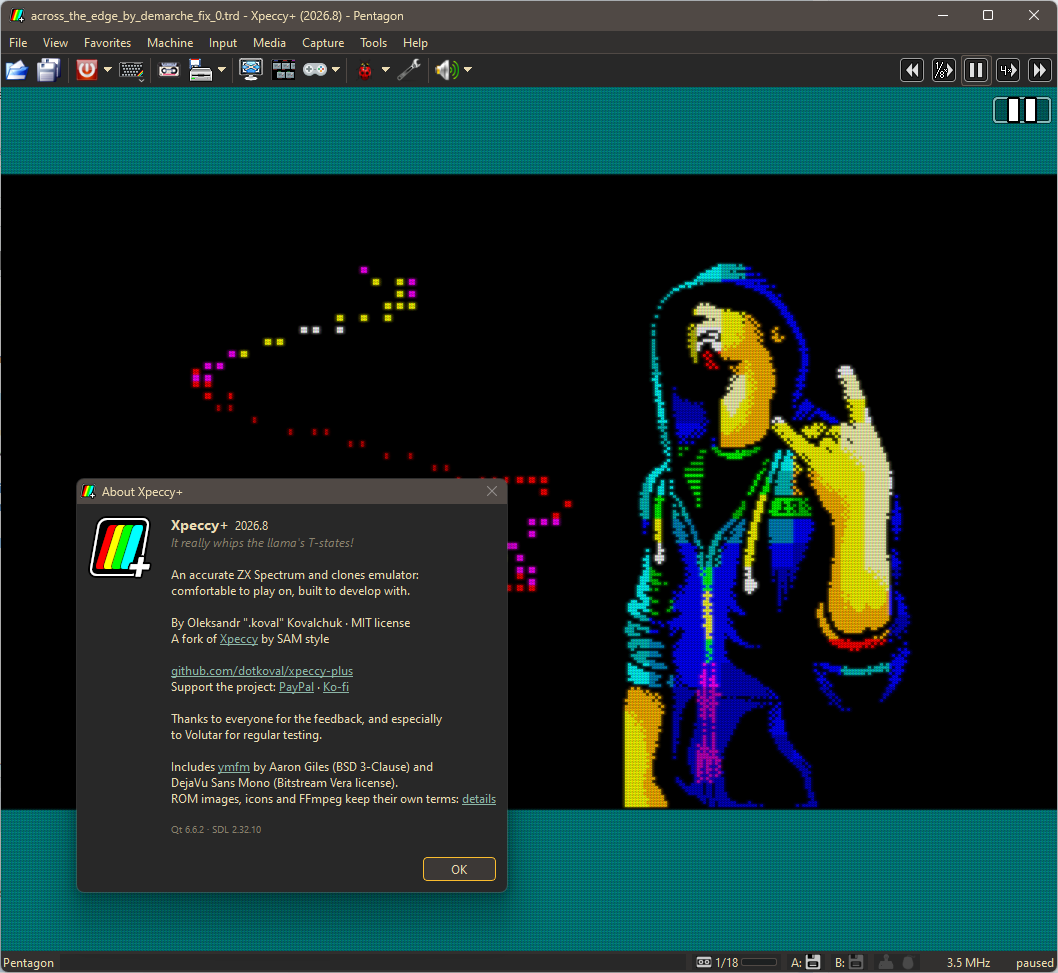
Xpeccy+ is a ZX Spectrum emulator for Windows, Linux and macOS - an all-rounder for the classic ZX Spectrum, its clones and the ZX Spectrum Next.
It is a fork of the original Xpeccy, focused on the ZX Spectrum family. My goal is not to collect features, but to make them complete and practical enough that people can actually rely on them.
- Getting the hardware details right, including timings and less obvious behavior that real software may depend on: memory contention on the 48K, 128K, +2 and +2A/+3, the floating bus and ULA snow, checked against tests photographed on real machines. "It really whips the llama's T-states!" :)
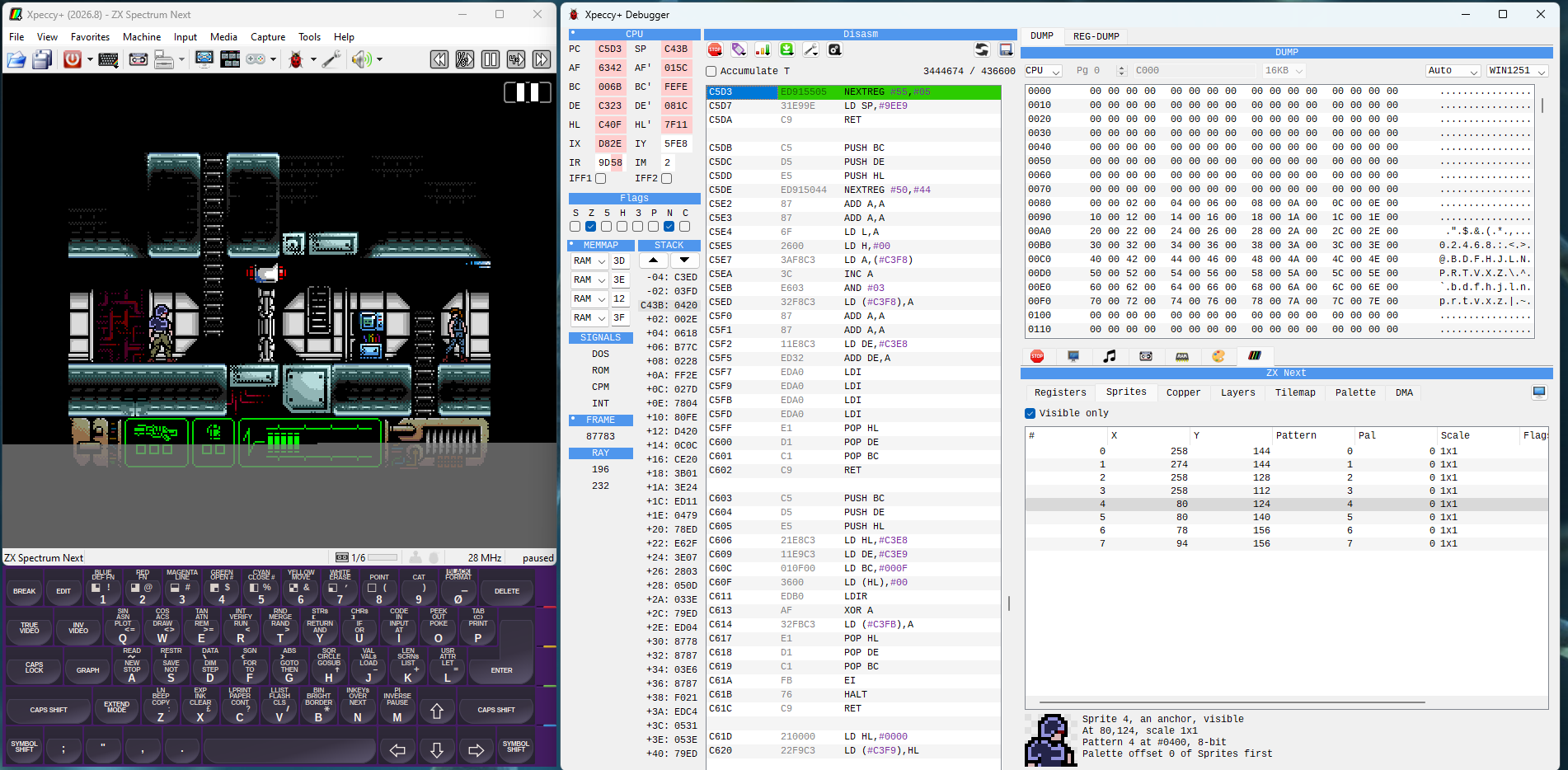
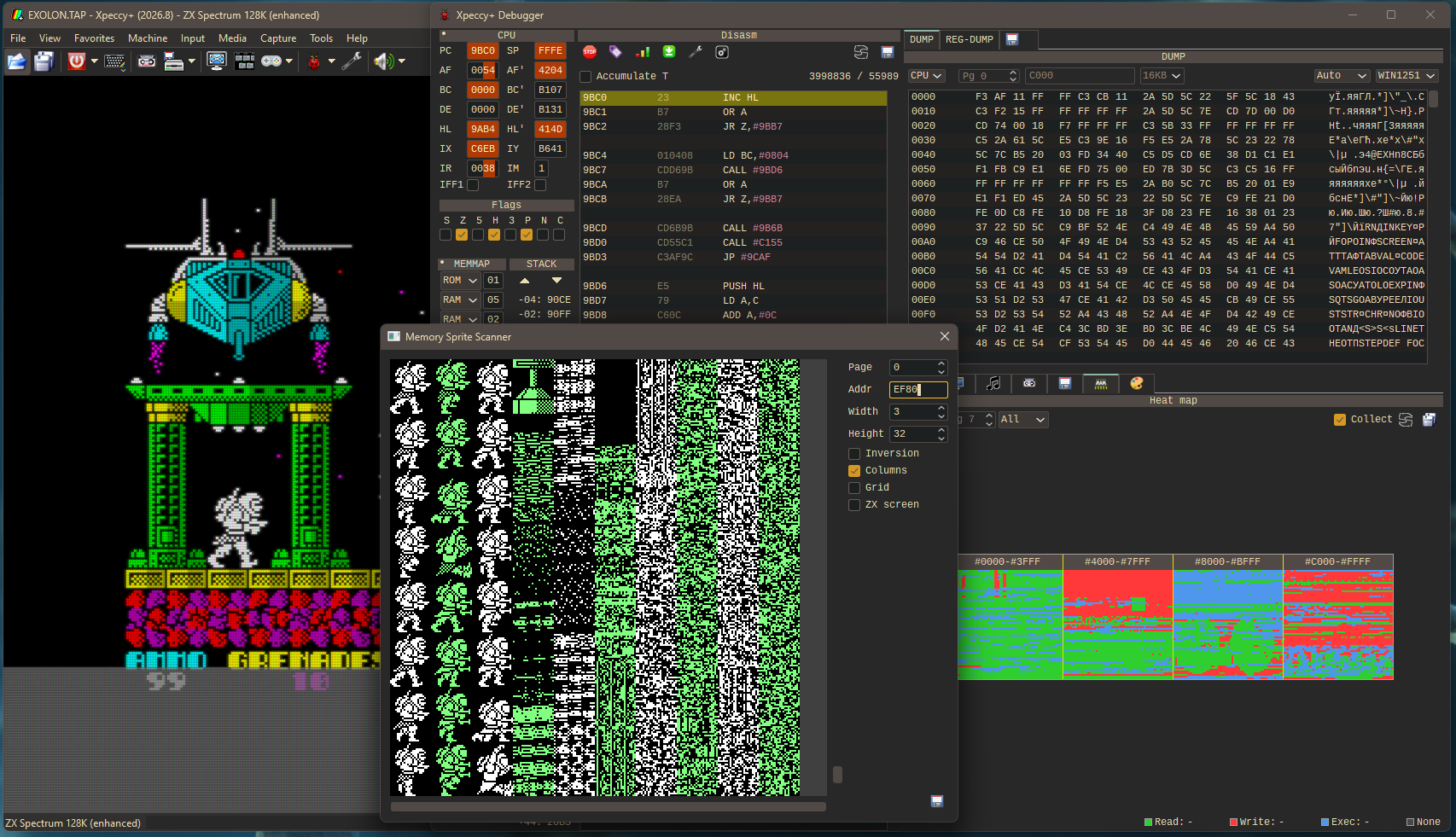
- A debugger for actual development work, rather than a small extra window with a disassembler: movable panels, conditional breakpoints that can log, a listing with labels, a memory heat map, ZX Evo and Next panels.
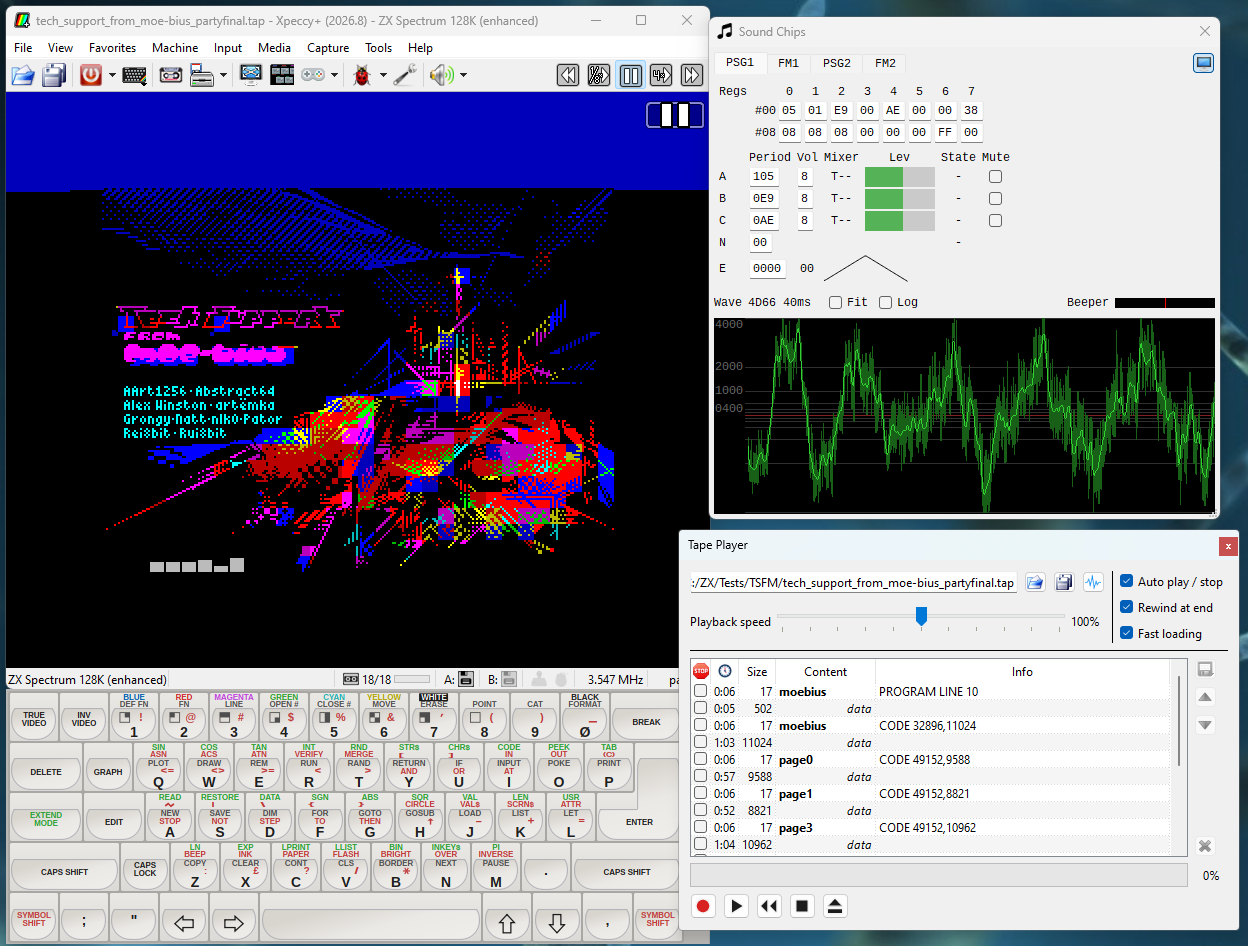
- Games comfortable to play today: low input lag measured with a photosensor, run-ahead, rewind, quick saves for every game, fast loading whatever the loader, flexible gamepad support, and tapes and disks that start themselves.
- Classic and advanced machines with their timings and important differences intact: 48K, 128K, +2, +2A and +3, Pentagon, Scorpion, ATM Turbo, Profi, ZX Evolution (BaseConf and TSConf) and the ZX Spectrum Next with NextZXOS, Wi-Fi included.
- An interface you can find your way around despite the number of tools and settings: a menu bar with every command and its key, a toolbar of your choosing, and a manual in English, Spanish, Ukrainian and Russian.
Every machine is built in, ROMs and all, so it runs straight out of the archive.
In short, I want Xpeccy+ to be powerful when you need the tools, accurate when the details matter, and simple when you just want to play.
Which file to download
- Windows 10 and 11: win-x64.
- Windows 11 on ARM (Snapdragon and other ARM64 chips): win-arm64.
- Windows 7 and 8.1: win-x86-legacy.
- Linux: linux-x86_64, an AppImage.
- macOS 13 or later on Apple silicon: macos-arm64, a disk image - drag xpeccy-plus into Applications. It is not signed by a registered developer, so macOS refuses to start it the first time: open System Settings > Privacy & Security, find the message about Xpeccy+ and click Open Anyway.
The emulator checks GitHub for a newer version (Help > Check for Updates); on Windows and with the AppImage it can update itself, keeping your settings.
GitHub Project page: https://github.com/dotkoval/xpeccy-plus
Releases page: https://github.com/dotkoval/xpeccy-plus/releases
User manual: https://dotkoval.github.io/xpeccy-plus/
Feedback, bug reports and suggestions are very welcome.
Xpeccy+ is MIT-licensed. The bundled ROM images stay under their copyright holders' terms; the Sinclair ROMs are distributed with Amstrad's permission for use with emulators, and esxDOS with the permission of Papaya Dezign.
Download
Click download now to get access to the following files:
Leave a comment
Log in with itch.io to leave a comment.